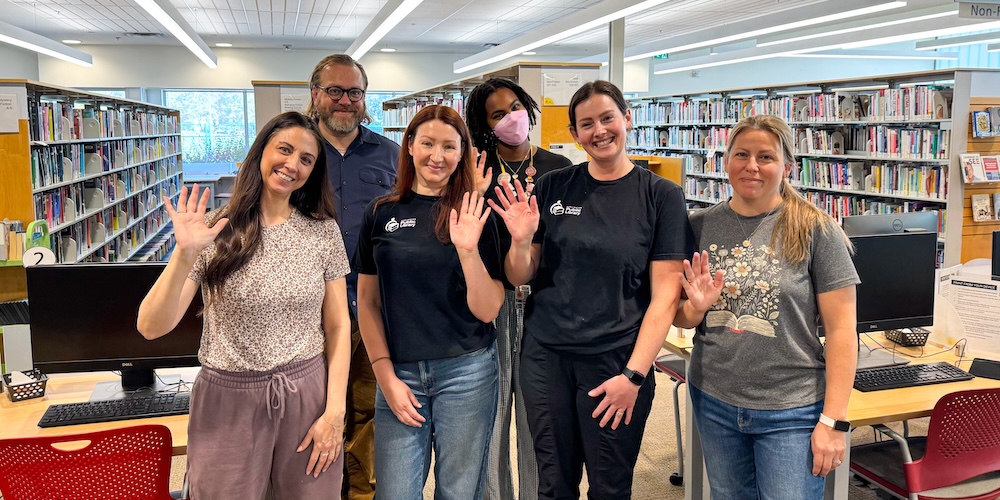

Mango Teaches Sign Language
Learning a new language isn’t just useful for travelling abroad with confidence—it’s also great for your brain. So, if you’re looking to strengthen your memory and sharpen your thinking, check out the Mango Languages eResource and get started learning—FREE with your Burlington Public Library card.
Mango Languages puts a world of international languages at your fingertips, where you can learn at your own pace. And one of those languages offers a whole new way to communicate.
Up Your Language Skills
American Sign Language (ASL) is a visual language commonly used by Deaf and hard-of-hearing people in Canada and the United States. Instead of sounds, ASL uses hand shapes, movements, facial expressions, and body language. It's a complete language, just like French or Italian, with its own grammar and vocabulary.
Learning ASL can build your awareness of how language works while introducing you to Deaf culture. It can also sharpen your visual attention and encourage you to think about communication in new ways. With Mango Languages, you can start learning ASL wherever and whenever it works for you.
Get Started Signing
First, read our short article on how to sign in and access Mango Languages through Burlington Public Library.
Once logged in, select “American Sign Language” in the Search Languages box at the top of the screen, and then Start Learning.
Inside the ASL Classroom
The Mango Languages ASL course is provided in partnership with sign language educator ASL Inside, and offers:
- A Word of the Day to help you build your vocabulary.
- 5 Courses:
- ASL Inside 101 for Students – 15 modules
- ASL Inside 102 for Students – 15 modules
- Fingerspelling Basics Student – 13 modules
- Fingerspelling Advanced Student – 19 modules
- ASL Inside for Librarians – A course designed to help librarians communicate with customers who use ASL.
Every module follows the same format, so you know exactly what to expect as you progress through the courses. The demonstration-based courses emphasize practical skills development, so a lot of your time will be spent watching and copying native signers.
Handy Tip! If you find the video instruction is too fast, you can adjust the speed settings for each video. You can also turn on closed caption/subtitles, transcript, and full screen options.
In addition to the video instruction, you can test your knowledge in the exam modules (called Receptive Homework) within each course. You can choose to submit exam answers for a grade or simply save them as a learning tool.
Mango recommends that learners set aside at least 30 minutes every time you plan to study to learn effectively.
Where to Find Mango Languages
Select RESOURCES on BPL’s website main menu to find Mango Languages under Learning & Research > Classes & Learning. Connect directly to the online resource or select More Info to read how to access Mango Languages on your laptop or device with the Mango Languages app—and start exploring!