
Designed for curious creators of all ages, MakerStation is a self-guided do-it-yourself workspace equipped with a 3D printer, sewing machine, Cricut® cutting machine, and button maker.
Please read the equipment information and user guides to help support your project planning and creation. We also offer free introductory sessions on how to use the equipment.
Safety is our top priority, and we ask you to follow the directions provided by our staff when using the tools, technology, equipment, and space.
How It Works
- Prepare your ideas and design files before you visit. Review the design specifications for the equipment and prepare your design file before you come to the branch.
- Book time online with maker equipment. The equipment is free to use but must be booked in advance using our online booking form. You’ll need to read and agree to the MakerStation Terms of Use and Waiver before booking and using the space.
- Visit staff at the service desk to get started. You’ll need to purchase any necessary materials and receive instructional materials to review.
You will need to purchase some materials from BPL, such as vinyl or button materials. We only charge for materials at cost. For the sewing machine, makers will need to bring their own suitable fabric.
Hours
MakerStation is located in Alton Branch. Unless otherwise indicated, the hours are:
- Monday to Thursday: 9:30am–8:30pm
- Friday & Saturday: 9:30am–4:30pm
- Sunday: 12:30pm–4:30pm
Important Information
- You need a library card to make a booking. It’s easy to sign up, and you can join the library online or in person at any of our branches.
- The equipment may be booked and used by makers ages 12 and older who are able to use it on their own.
Children under 12 must be with and supervised by an adult while in the space. - Drinks must be in a spill-proof container; food is not permitted in the space.
- BPL’s Customer Experience Standards and Technology Use Policy apply when using library spaces, services, and equipment.
Booking Equipment
- Bookings can be made up to 14 days in advance.
- You can book up to six hours (360 minutes) per piece of equipment each week. The week runs from Sunday to Saturday.
- Each piece of equipment may be booked up to 120 minutes per day until the weekly maximum is reached.
- MakerStation spaces are unavailable until 30 minutes after the library opens and for 30 minutes before the library closes.
- When you arrive for your booking, please check in with library staff. Staff may ask for your library card to confirm your booking.
If the equipment is available, walk-in projects are possible on a first-come, first-served basis.
Cancellations
- You can cancel or change your booking through the Library’s Manage Your Room Reservations site.
- Changes to a booking can only be made by cancelling the original booking and submitting a new request. Once a booking has started it cannot be cancelled.
- If you do not use the space during your booked time and do not cancel your booking, it will be deducted from the weekly booking limit.
- The Library reserves the right to cancel a booking if the customer does not comply with the terms of use.
Equipment & User Guides
If you have questions about using MakerStation, please contact us online or call us during open hours at 905.639.3611.
3D Printer
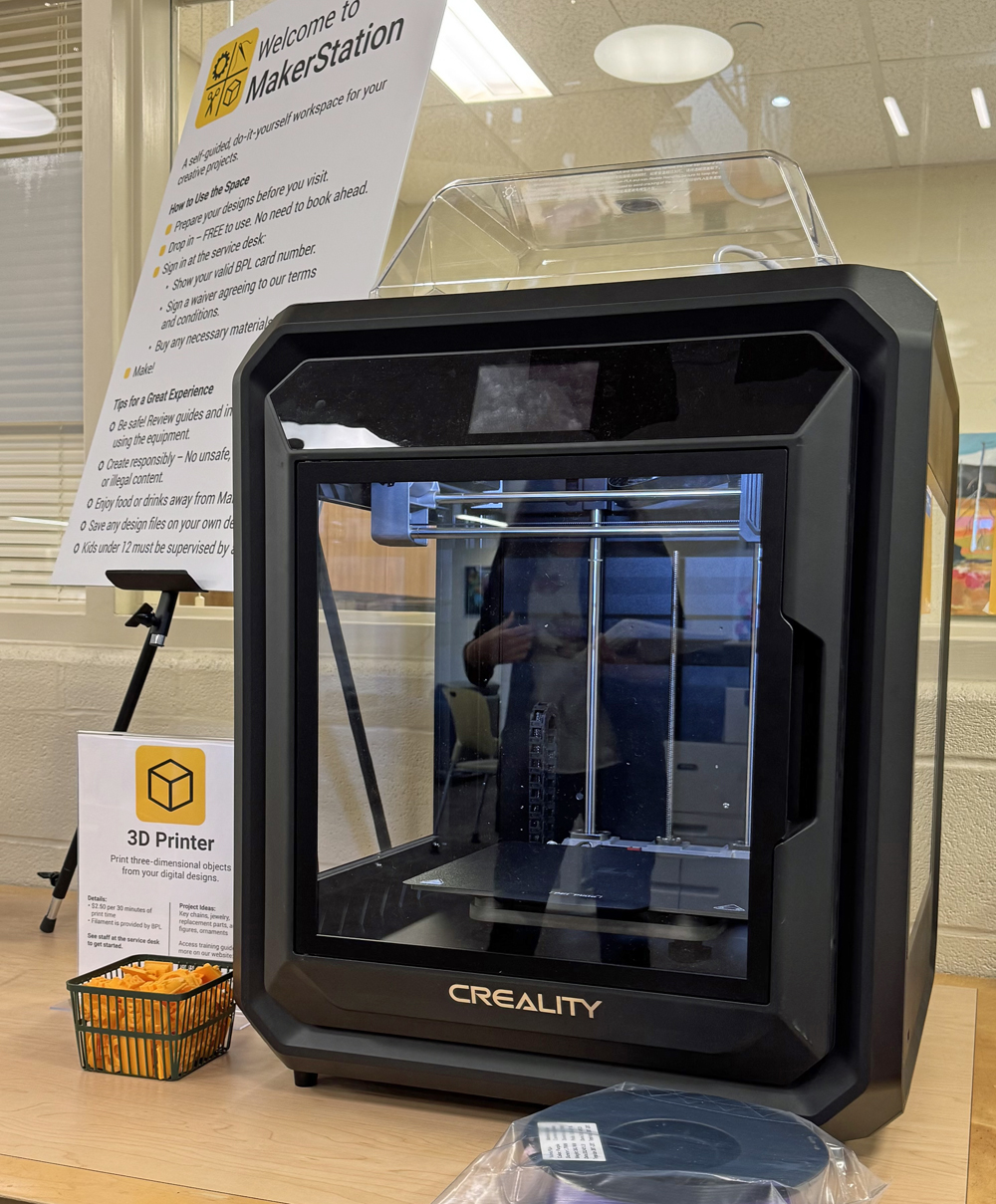
Print three-dimensional objects from your digital designs.
Hardware: Creality Sermoon D3
Please make sure your design is in one of the following file formats: .STL, .OBJ
Project Size:
- 12" length x 10" wide x 12" high maximum
- The project must be able to print in seven hours.
Production Cost: $1.25 per 15 minutes of print time
Materials: Filament is provided by BPL. We cannot accommodate requests for specific filament colours, nor can users supply their own.
Project Ideas: Key chains, jewelry, replacement parts, action figures, ornaments
Learning Links
Button Maker
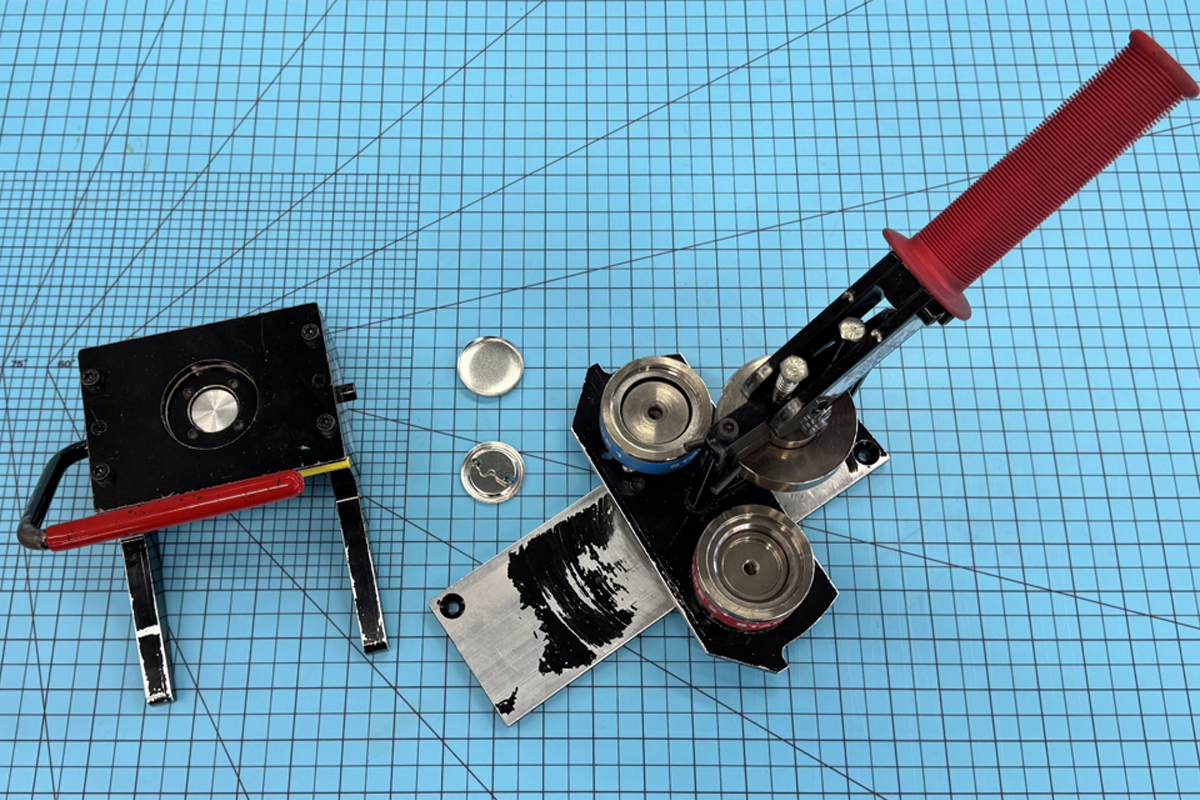
Create customized 1.5” buttons. Draw or print your designs at home or in the library. Use the die cutter to punch out your design, and then assemble your button using the button maker.
Project Size:
- Button Size: 1.5” Circle
- Use the Button Template for cut lines and bleed line recommendations (or the template for multiple buttons)
Materials must be purchased from BPL.
Materials Cost (includes tax):
- Pin-back button: 25 cents/button
- Magnet-back button: 80 cents/button
Project Ideas: Custom-designed buttons, magnets, name tags, school club pins
Learning Links
Cricut® Cutting Machine
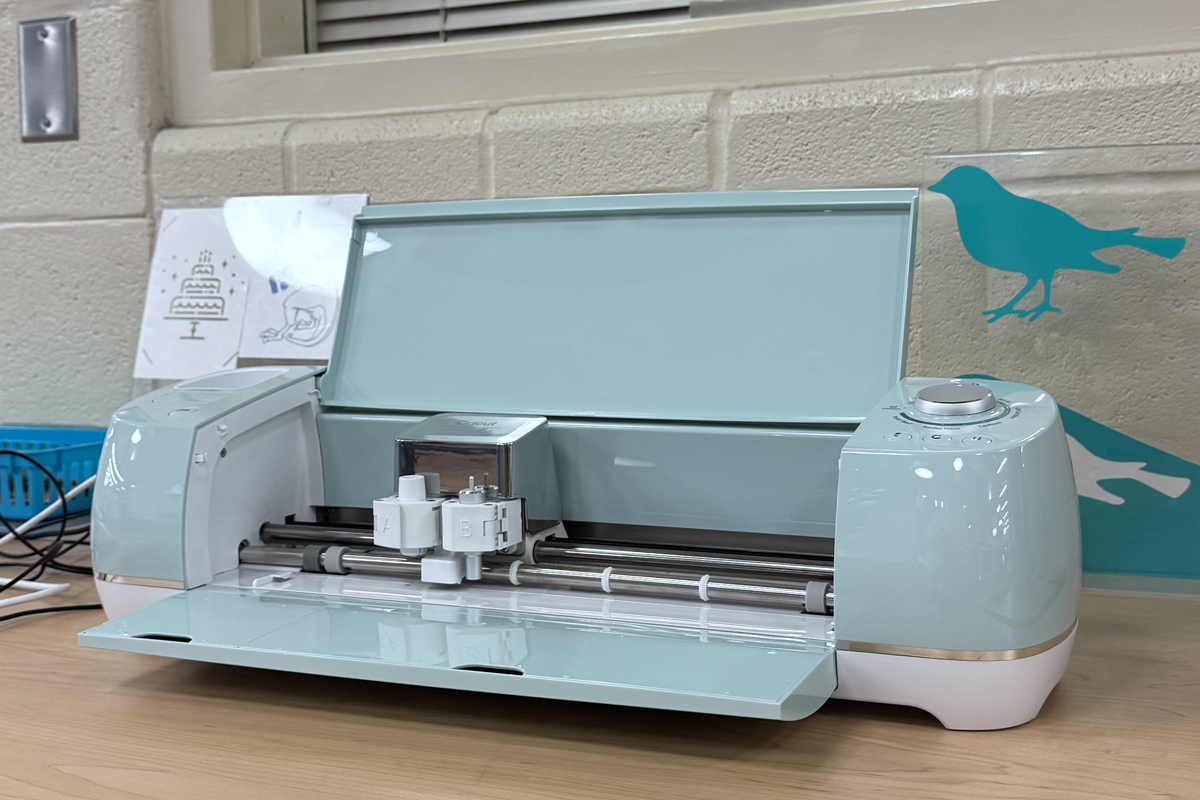
Cut or draw on a variety of materials using an electronic cutting machine. Pronounced cricket.
Hardware: Cricut® Air 2
Software: Cricut Design Space
Custom designs can be created using CorelDraw or any other vector editing program.
Artwork should ideally be vector-based to provide the best results. The highest-quality raster-type image is the next preferred media type.
Please make sure your design is in one of the following file formats:
- PNG, JPG, SVG, DXF, GIF and BMP
Project Size: 12" x 12" maximum
Bring your own materials or purchase from BPL.
Materials Cost (includes tax):
- Vinyl: $2/foot (various colours)
- Transfer paper: $1/foot
- Card stock: 50 cents/12”x12” sheet (various colours)
Project Ideas: Labels, gift tags, greeting cards, invitations, paper flowers, wall decals, cake toppers, vinyl stickers
Learning Links
Sewing Machine
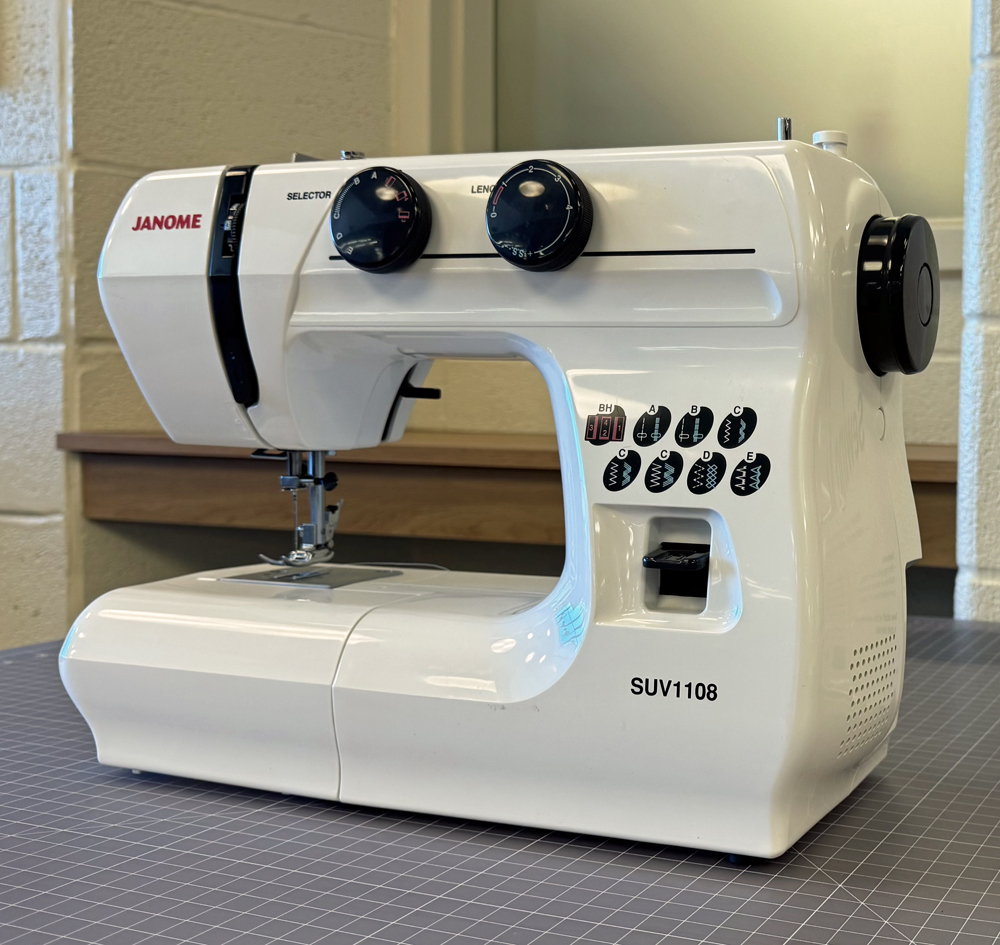
Stitch, mend, or craft with fabric with thread using a single-stitch electric sewing machine.
Hardware: Janome SUV1108
Materials:
- You must supply your own fabric.
- White or black thread is provided free of charge.
Project Ideas: Tote bags, scrunchies, pouches, pajama pants, dish towels, stuffies, throw pillows